Logging in via OIDC
What is OIDC?
OIDC (OpenID Connect) is an identity authentication protocol built on top of OAuth 2.0, allowing users to log into OPanel using accounts from third-party identity providers (such as Auth0, Keycloak, etc.). With OIDC, you can centrally manage user identities without creating separate accounts in OPanel, while also supporting security policies like multi-factor authentication.
Prerequisites
- Deploy OPanel version
2.1.4or above (see Quick Start guide) - Own an OIDC Provider account with an application created (supports Auth0, Keycloak, etc.)
- Configure the callback URL in your OIDC Provider:
https://<your-OPanel-address>/api/auth/oidc/callback
Configuration
Enable OIDC login in OPanel's
config.ymland fill in the configuration detailsyamloidcEnabled: true oidcDiscoveryUrl: https://<your-provider-discovery-url> oidcClientId: <client-id> oidcClientSecret: <client-secret> oidcDisplayName: <display-name>

- Restart the server and open the login page — the OIDC login button will appear

Click the button to be redirected to your OIDC Provider for authorization
Enter the
access keyto bind the OIDC user on first login

- Once bound, you can access the management panel. Authorized users do not need to bind again on subsequent logins.
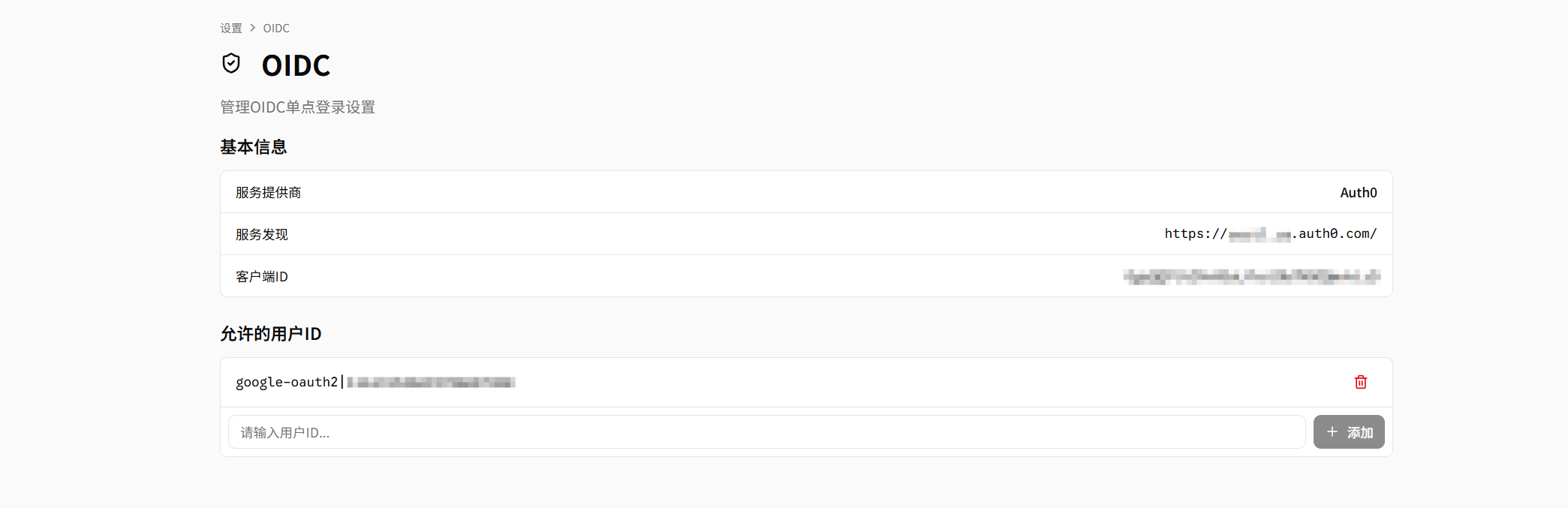
Managing Users Allowed to Log in via OIDC
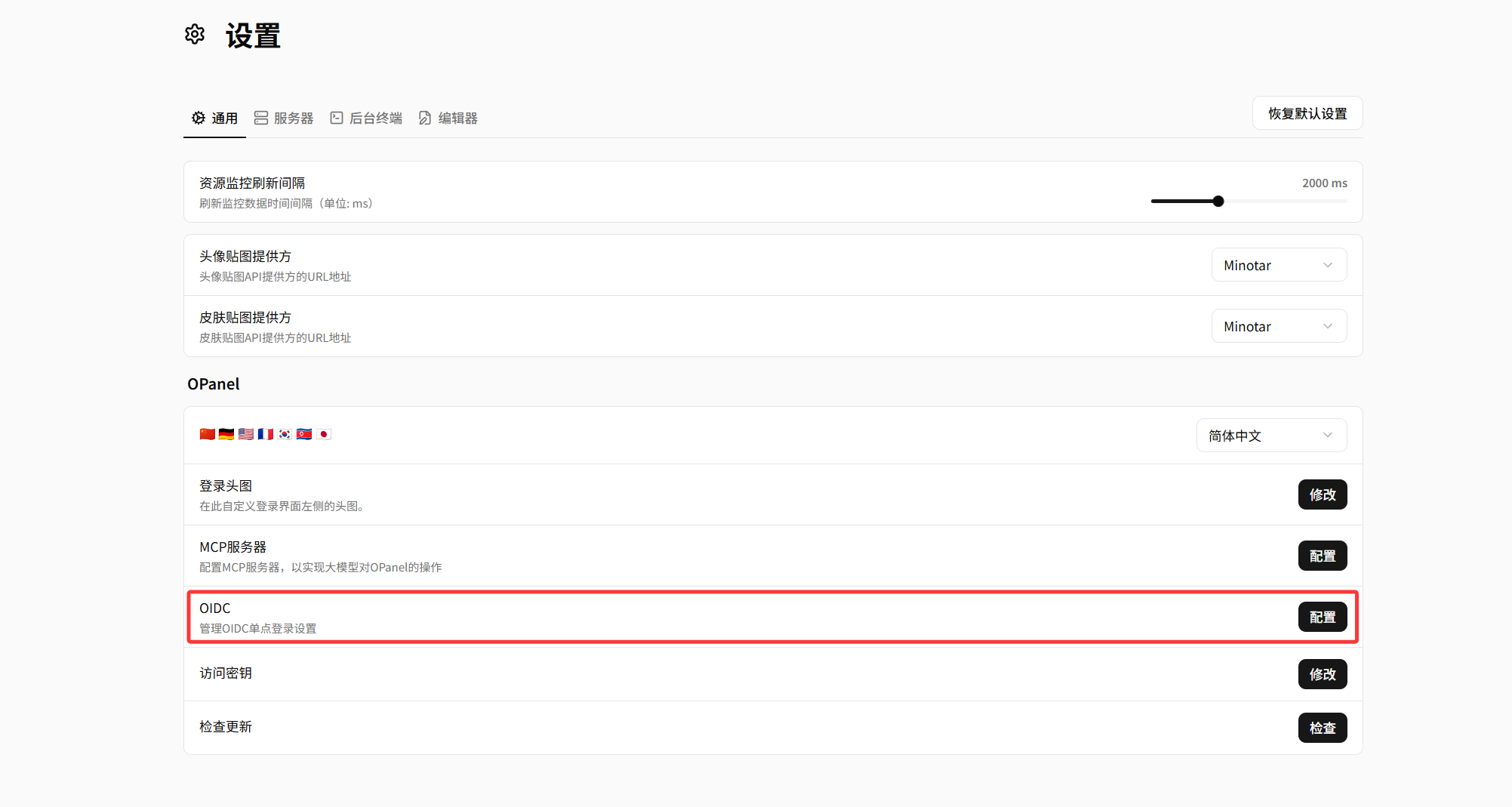
- Open the "OIDC Configuration" page in OPanel settings
- View authorized users in the "Allowed User IDs" list, where you can add or remove users