
Server Restart Configuration
WARNING
The OPanel restart feature is not recommended for servers running inside platforms such as MCSM or Docker.
Prerequisites
If your server is running on Linux, make sure bash is installed:
bash
sudo apt install bashConfigure
- Before using the server restart feature, first find your server launch command, for example:
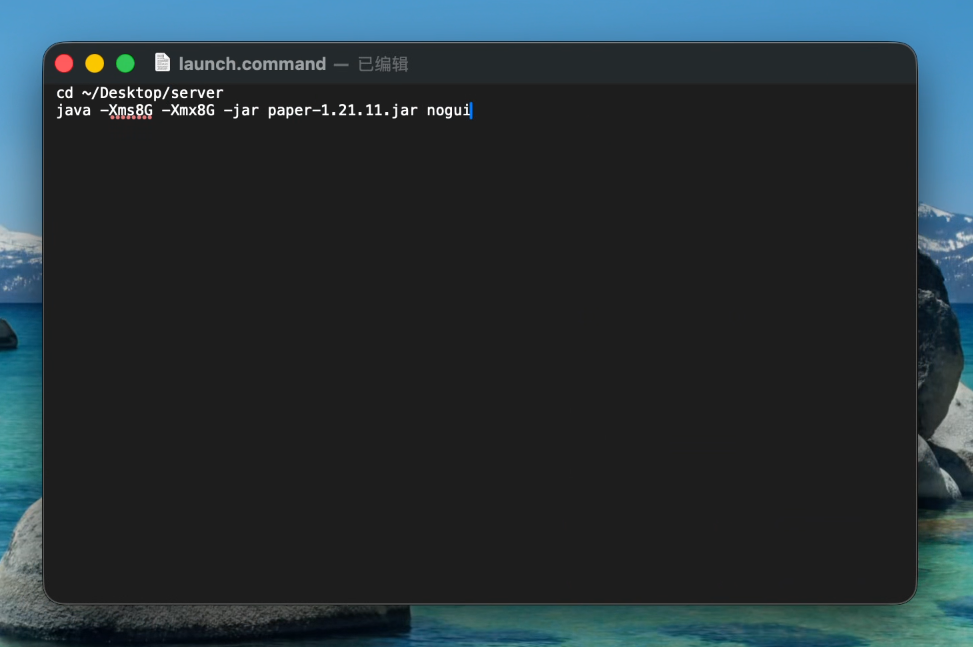
In this example, the server launch command is java -Xms8G -Xmx8G -jar paper-1.21.11.jar nogui.
INFO
The server launch command should contain only the launch command itself, and should not include preceding commands such as cd ~/Desktop/server.
- Open the panel and set the launch command used for restart.

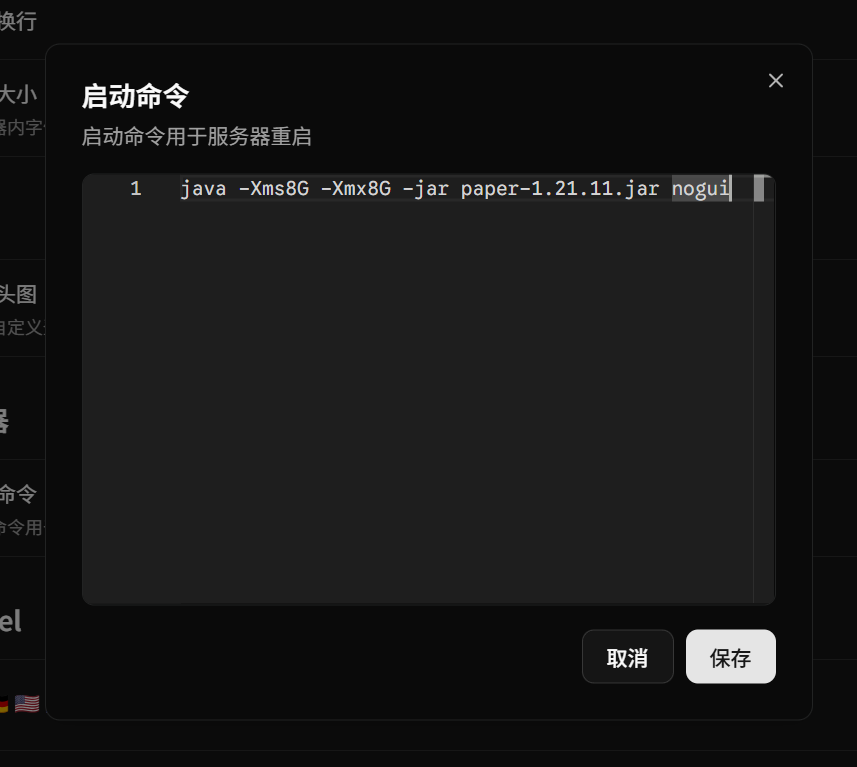
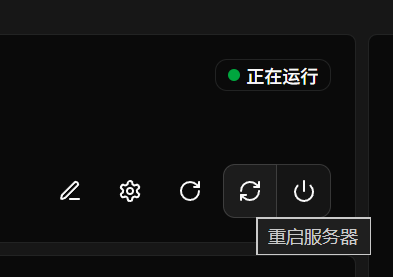
- After saving the launch command, you can use OPanel's server restart feature.
INFO
After clicking restart, the server will shut down and automatically restart after 10s.